
Start here

AGX Dynamics
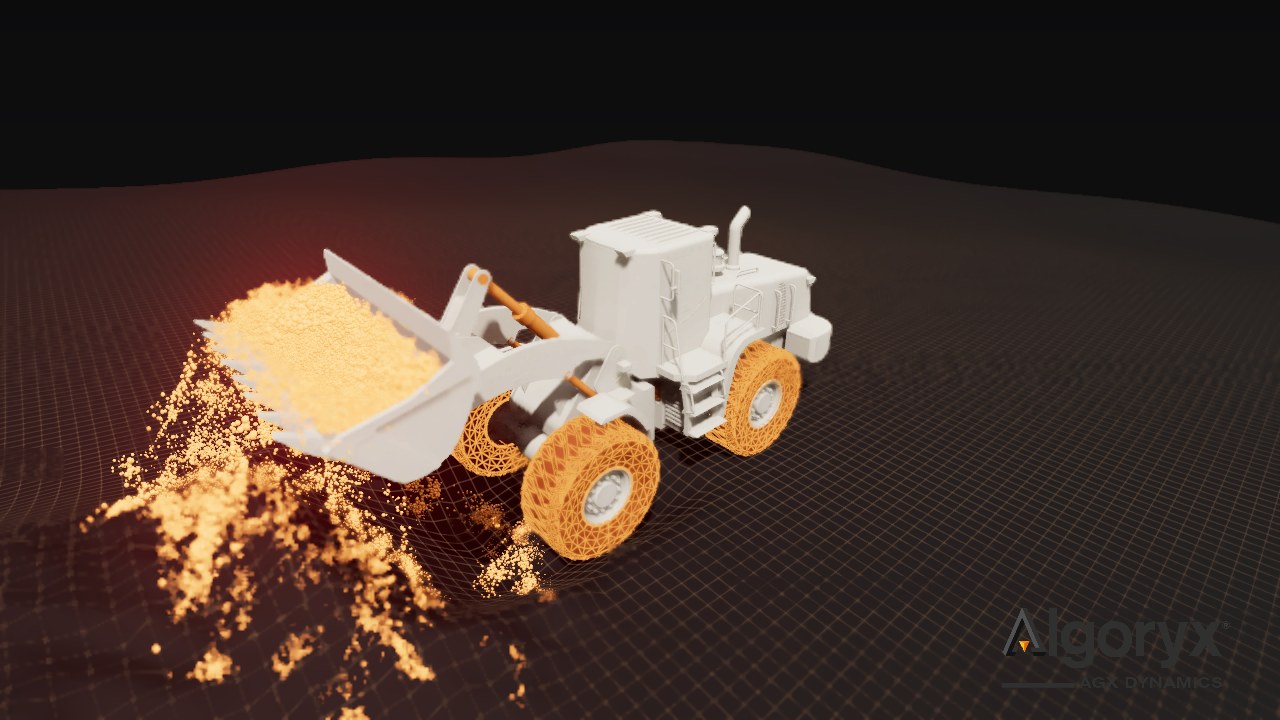
AGX Dynamics is a software development kit (SDK) for modeling and simulating complex mechanical systems. It handles rigid bodies, contacts, friction, cables, wires, terrain and granular materials, in real time or at high fidelity.
- User Manual (PDF)
- API documentation Doxygen
- Keybindings and arguments for agxOSGViewer
- Changelog
- Download AGX Dynamics
C++ tutorials
- Build the C++ tutorials from source
- First simulation, without graphics a good starting point
- Rigid bodies and geometries, with graphics
- All C++ tutorials
Python demos and tutorials
OpenPLX
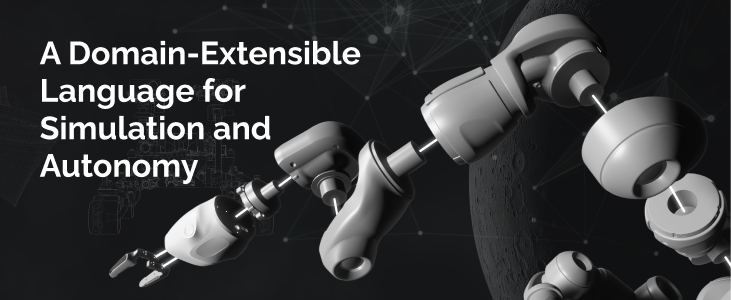
OpenPLX is a modeling language for describing simulation-ready robots and machines. Its domain-specific syntax, built-in physics definitions and modular structure make it well suited for complex machine components that can be combined and reused across projects. OpenPLX is fully integrated in AGX Dynamics, and models move between AGX Dynamics and AGX Dynamics for Unity and Unreal.
- OpenPLX in AGX Dynamics
- openplx.org
- Language and syntax overview
- VS Code syntax highlighting extension
- Release log
Tutorials
- Introduction to OpenPLX: box truck
- Introduction to automatic assembly
- Bulldozer D10 tracks, drivetrain, deformable terrain
- Build a heavy machine bundle
- Excavator arm uses the heavy machine bundle
- All tutorials

AGX Dynamics for Unity
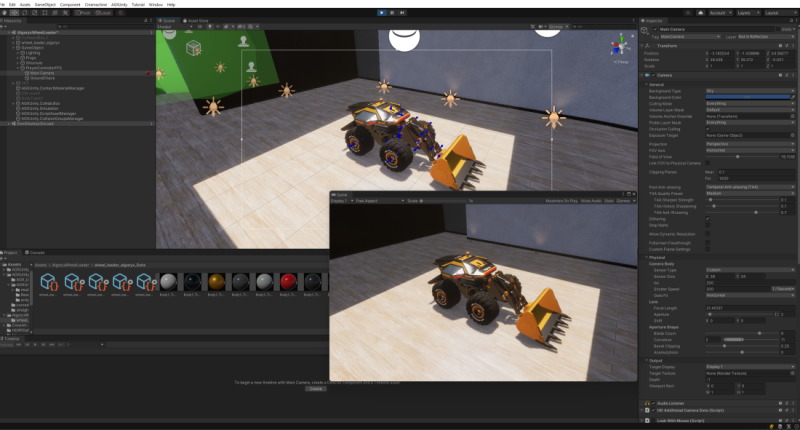
AGX Dynamics for Unity (AGXUnity) is a plugin that brings AGX Dynamics into Unity.
AGXUnity is open source on GitHub, so you can read and extend the wrapper code, which builds on the C# API of AGX Dynamics. We encourage you to contribute your changes back, so that Algoryx can keep supporting AGXUnity.

AGX Dynamics for Unreal Engine
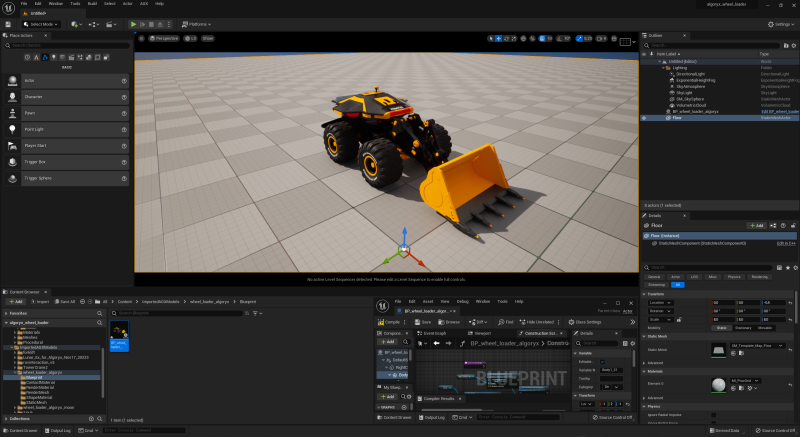
AGX Dynamics for Unreal (AGXUnreal) is a plugin that brings AGX Dynamics into Unreal Engine, combining state-of-the-art physics with the workflow and rendering of Unreal Engine.

Algoryx Momentum
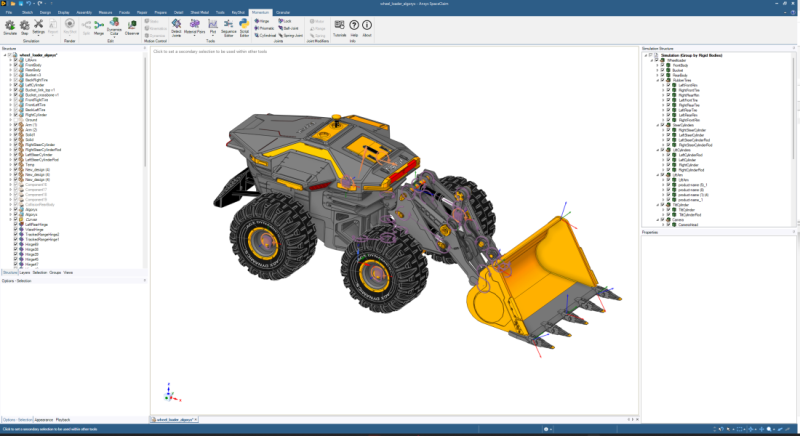
Algoryx Momentum is a CAD-centered dynamics modeling tool built on SpaceClaim. Import any CAD model and build your mechanical design with full CAD precision.
Momentum exports the complete dynamic model: geometries, dynamic properties and rendering data. Load it directly into AGX Dynamics (C++, C# or Python) or into AGX Dynamics for Unity or Unreal, so your real-time application gets the full dynamic model, not just the graphics.
Licensing
Applications built on AGX Dynamics need a valid license. Contact our sales team to find the license type that suits you. The license system page in the User Manual explains how to activate a license.
Legacy license file (agx.lic)
This applies only to the old license system, which uses an agx.lic file. If you already have one, skip to Using the license file.
Generate your license information with the button below, or run generateLicenseKey from the AGX installation's bin directory.
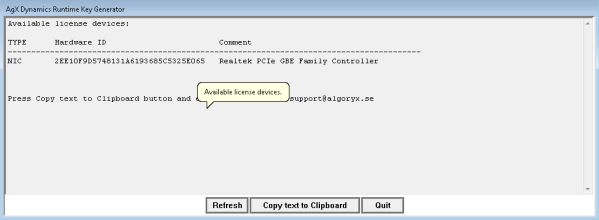
Send the following to support@algoryx.com to receive your agx.lic file:
User/Company name
Email address
Hardware ID (from the key generator above)
AGX version (from the key generator above)
Using the license file
Place agx.lic in one of these locations:
- A directory listed in the environment variable
AGX_FILE_PATH - The AGX installation directory
<agx-install-path>/data/cfg- A directory added with
agxIO::Environment::instance()->getFilePath(); see the User Manual
Legal information
Copyright 2007–2026 Algoryx Simulation AB.
All AGX source code, intellectual property, documentation, sample code, tutorials, scene files and technical white papers are copyrighted, proprietary and confidential material of Algoryx Simulation AB. You may not download, read, store, distribute, publish, copy or otherwise disseminate, use or expose this material without a written, signed agreement with Algoryx Simulation AB.
Algoryx Simulation AB disclaims all responsibility for loss or damage caused by using this software, unless otherwise stated in written agreements with Algoryx Simulation AB.
The integrity of this software is protected by technical protection measures (TPM) so that the intellectual property rights, including copyright, in the software of AGX are not misappropriated. You must not attempt in any way to remove or circumvent any such TPM, nor apply or manufacture for sale or hire, import, distribute, sell or let for hire, offer or expose for sale or hire, advertise for sale or hire or have in your possession for private or commercial purposes any means the sole intended purpose of which is to facilitate the unauthorized removal or circumvention of such TPM.